


Leaderboard
-

Graham Allen
Forum Member1Points21Posts -
tiggy_cat
MYA Member1Points100Posts -
Gareth
MYA Member1Points54Posts


Popular Content
Showing content with the highest reputation on 16/03/25 in Posts
-
1 pointMike, Unfortunately the software for the VMYG website is obsolete and it is no longer practicable to keep the site updated. Investigations into a new website are ongoing. The contact details for the Chairman and Secretary are still on the website but if you have any problems send me a private message. I am one of the coordinators for the northern section of the VMYG. There is a VMYG Facebook page but that is only accessible to members. Gareth Jones1 point
-
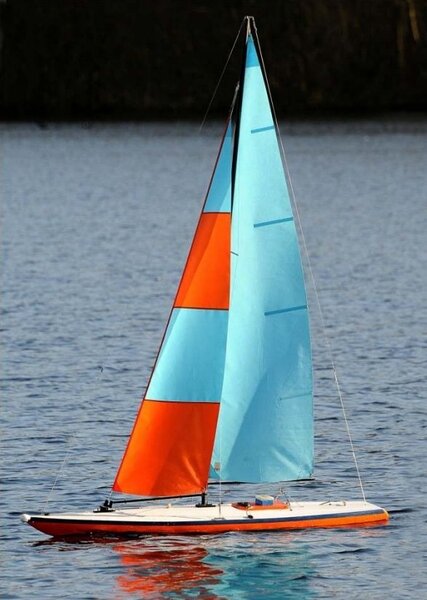
1 pointHi I have acquired what I believe to be an older design radio 10r. Would anyone have any idea what design she is and where I may get some info on her design so I can get her waterproof and read to sail please. Seasons Greetings Graham

 1 point
 -
1 pointCan be seen on the appropriate page in the 10R section of All Radio Sailboats webpage.
 1 point

This leaderboard is set to London/GMT+01:00
