Skip to content
View in the app

A better way to browse. Learn more.

MYA Forum

A full-screen app on your home screen with push notifications, badges and more.

To install this app on iOS and iPadOS
  1. Tap the Share icon in Safari
  2. Scroll the menu and tap Add to Home Screen.
  3. Tap Add in the top-right corner.
To install this app on Android
  1. Tap the 3-dot menu (⋮) in the top-right corner of the browser.
  2. Tap Add to Home screen or Install app.
  3. Confirm by tapping Install.
  • advertisement_alt
  • advertisement_alt
  • advertisement_alt

Rob Walsh

MYA Member
  • Joined

  • Last visited

Everything posted by Rob Walsh

  1. Latest version on the production boats
  2. This was the original request for interpretation response from the technical team. IOM_new_kicking_straps.pdf
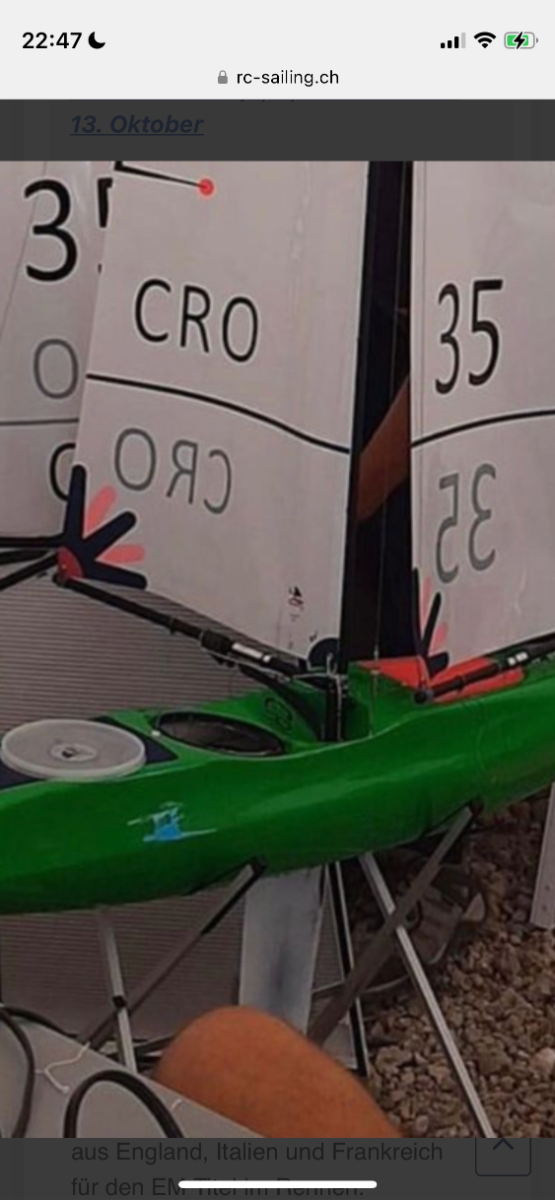
  3. Better picture
  4. Not the best picture but what can be found on the web?
  5. Results of the GBR vote attached. A low turnout which is disappointing with only 57 votes cast and 1 void due to no registration number not being provided. International One Metre 2022 AGM Official Ballot.docx

Account

Navigation

Search

Search

Configure browser push notifications

Chrome (Android)
  1. Tap the lock icon next to the address bar.
  2. Tap Permissions → Notifications.
  3. Adjust your preference.
Chrome (Desktop)
  1. Click the padlock icon in the address bar.
  2. Select Site settings.
  3. Find Notifications and adjust your preference.