



Leaderboard
-
Tony Merritt
MYA Member1Points11Posts

Popular Content
Showing content with the highest reputation on 03/08/26 in all areas
-
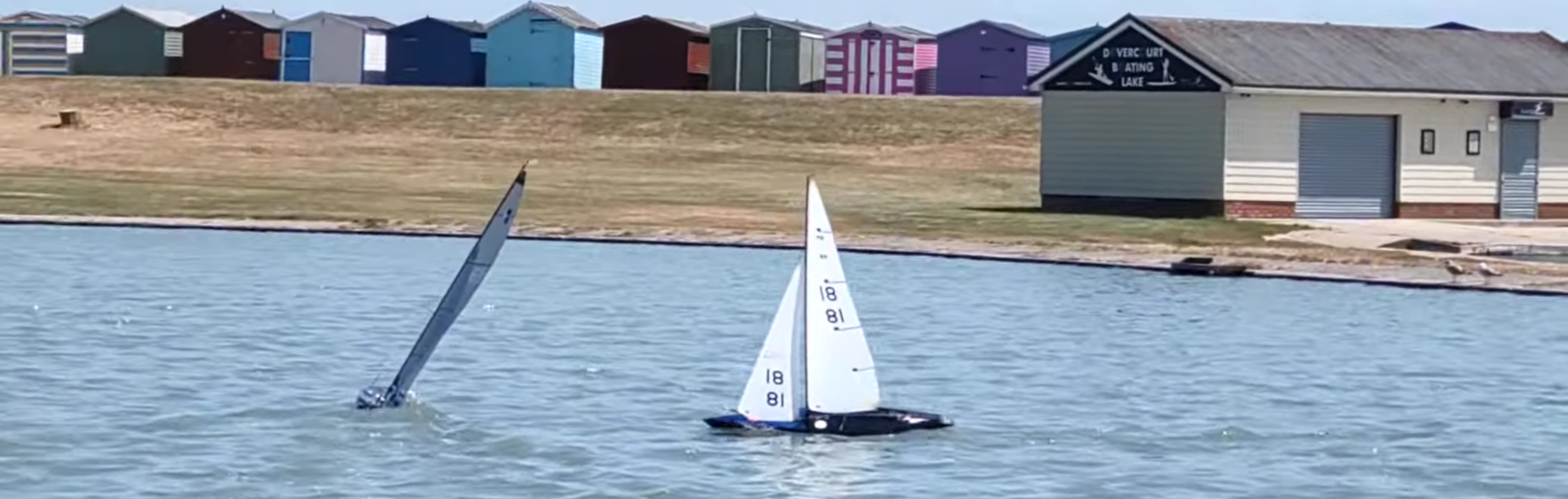
1 point@stevevw Thanks for posting Steve. I'll point any H&DMBC members here if others want a 6M. We now have 2 'new' 6Ms added to our fleet, I'm hoping others might be interested in adding more - we'll see. Do come for a sail one Wednesday Steve, we're usually there from around 10am until about 2, sometimes 3pm. We aim to get 16 races in (we use AFleet for scoring and at 16 your worst 3 scores get dropped - I think!). We don't rush about, even doing 16 races we take breaks for coffee and a quick lunch. For anyone that hasn't been to the Dovercourt pond, it has to be one of the best ponds for easy access - park 40 feet from pond, rig boat on greensward between car and pond, drop boat in pond and away 🙂 There are toilets about 300 yards away, a couple of cafes about 100 yards, and a small co-op less than a mile from the pond.1 point
