Skip to content
View in the app

A better way to browse. Learn more.

MYA Forum

A full-screen app on your home screen with push notifications, badges and more.

To install this app on iOS and iPadOS
  1. Tap the Share icon in Safari
  2. Scroll the menu and tap Add to Home Screen.
  3. Tap Add in the top-right corner.
To install this app on Android
  1. Tap the 3-dot menu (⋮) in the top-right corner of the browser.
  2. Tap Add to Home screen or Install app.
  3. Confirm by tapping Install.

Firefly

New Forum Member
  • Joined

  • Last visited

Everything posted by Firefly

  1. Firefly replied to Firefly's topic in IOM
    Brilliant, thanks for the information Jim 👍
  2. Firefly replied to Firefly's topic in IOM
    Thanks Colin, unfortunately that page only allows me to download forms for getting a certificate. It has been mentioned elsewhere that it could well be a design from Martin Firebrace, cheers Rob
  3. Firefly posted a topic in IOM
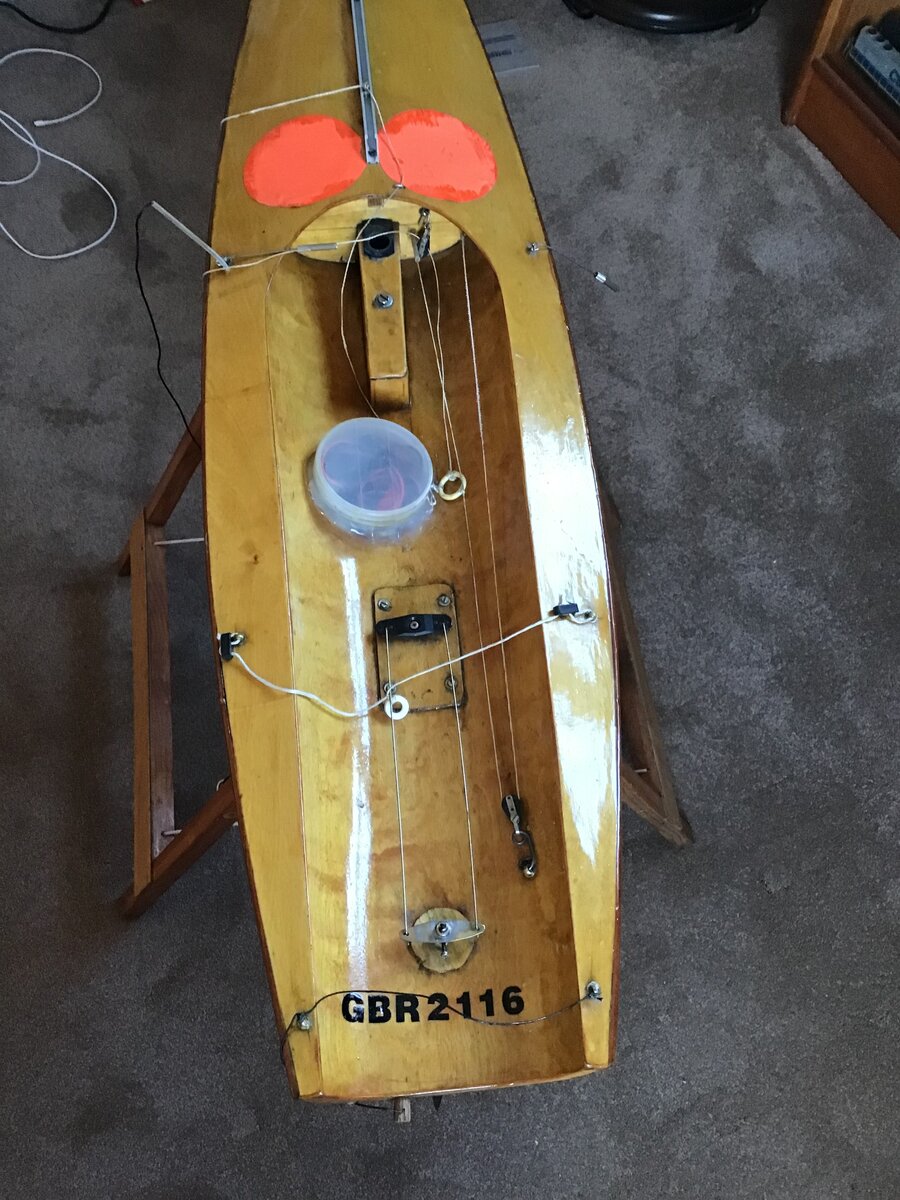
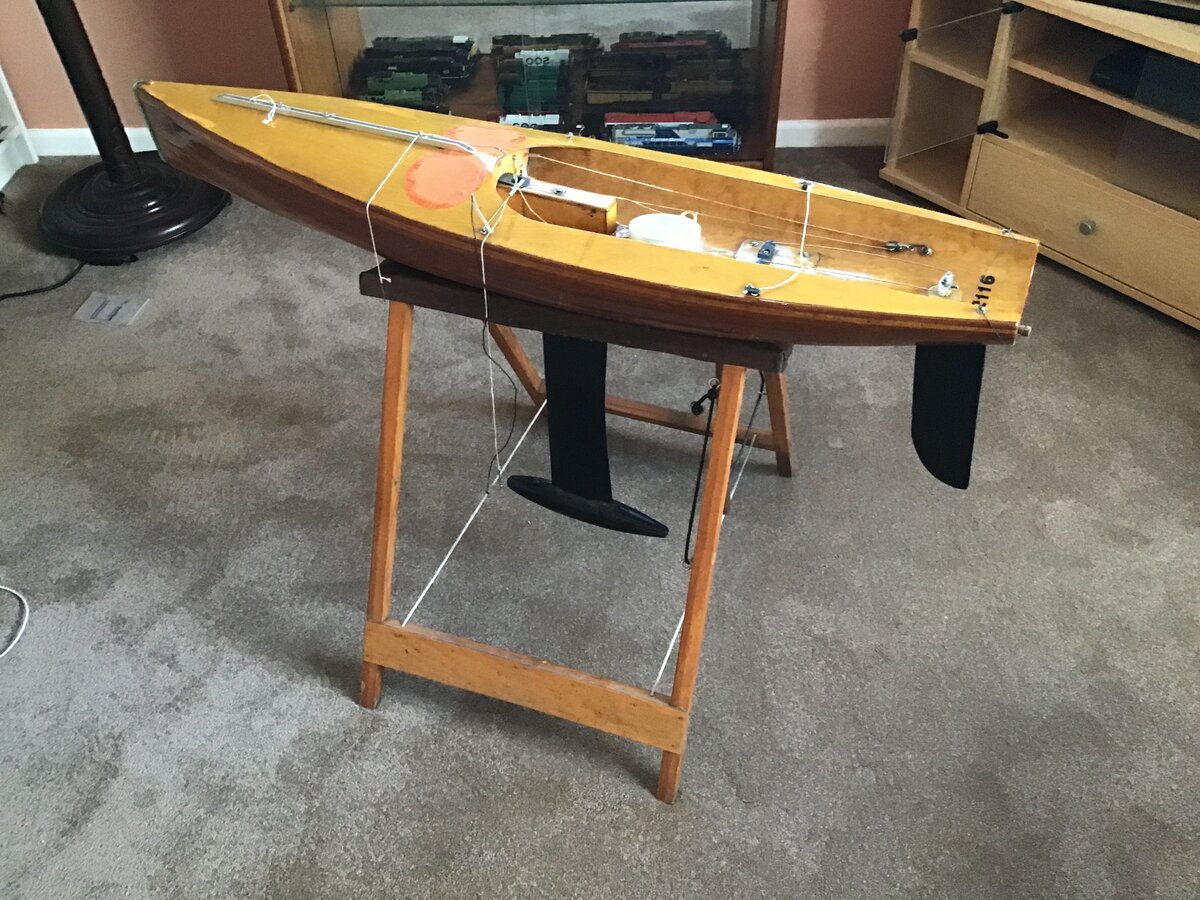
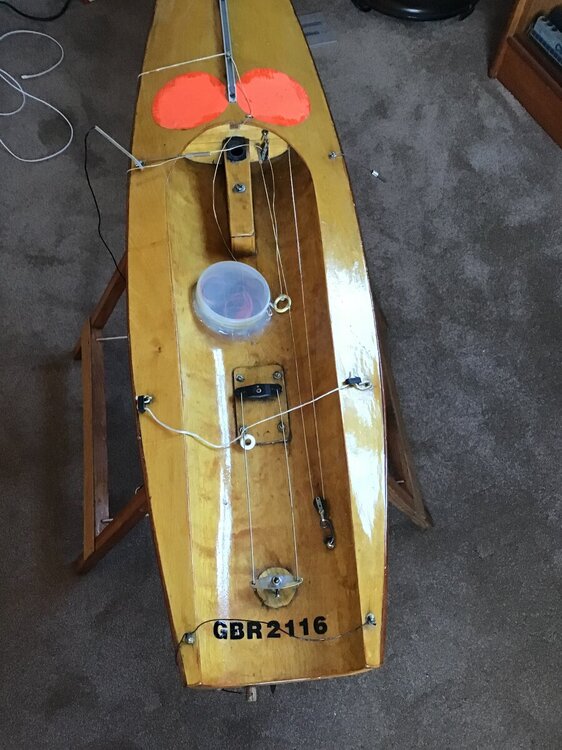
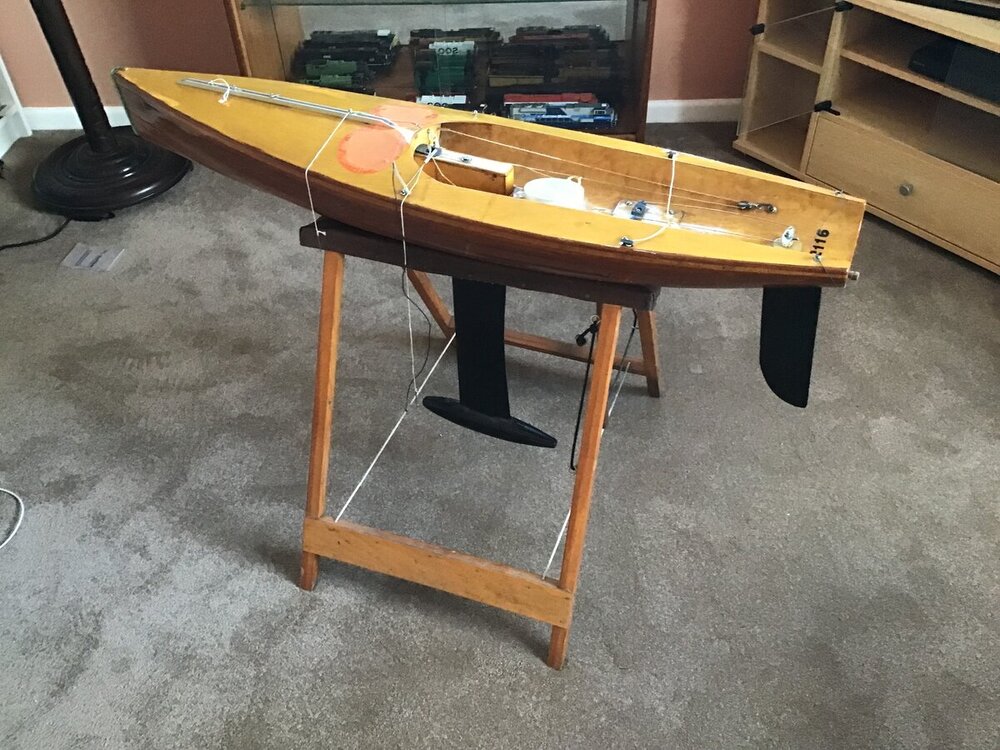
    Hi all, I’ve managed to buy an elderly IOM to dip my toe in the water. I’m wondering if the age and design can be identified, there is a code at the rear which I’m guessing is from when it was first registered? Any help would be appreciated as I start this journey, regards to all, Rob
Account

Navigation

Search

Search

Configure browser push notifications

Chrome (Android)
  1. Tap the lock icon next to the address bar.
  2. Tap Permissions → Notifications.
  3. Adjust your preference.
Chrome (Desktop)
  1. Click the padlock icon in the address bar.
  2. Select Site settings.
  3. Find Notifications and adjust your preference.