


Leaderboard
-

Wayne Stobbs
Supplier1Points53Posts -
Colin Helliwell
MYA Member1Points175Posts


Popular Content
Showing content with the highest reputation on 05/10/26 in all areas
-
1 pointIf, especially, you're new to the class then you might want to factor in which are popular designs at your club - you'll then have a good breadth of knowledge and advice to tap into at the lakeside. Many designs have setup info all over the interweb, but good to be able to compare your setup with another, there-and-then, and actually see how things compare on the water. My club has many Britpops (of course), also several Venti and now Alioth. I personally wouldn't go for a new K2, for example, as we don't have any of them. (I have a Sedici, cos a tidy one became available 2nd hand. I don't myself have the inclination for the cash & delay of brand new - I'm not good enough lol)1 point
-
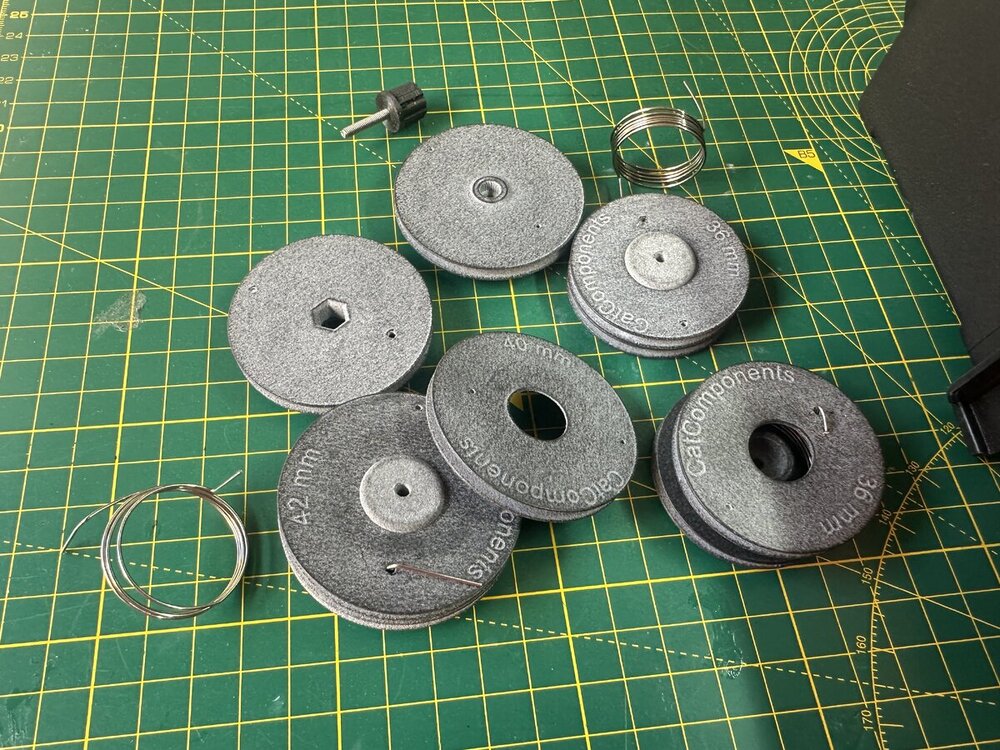
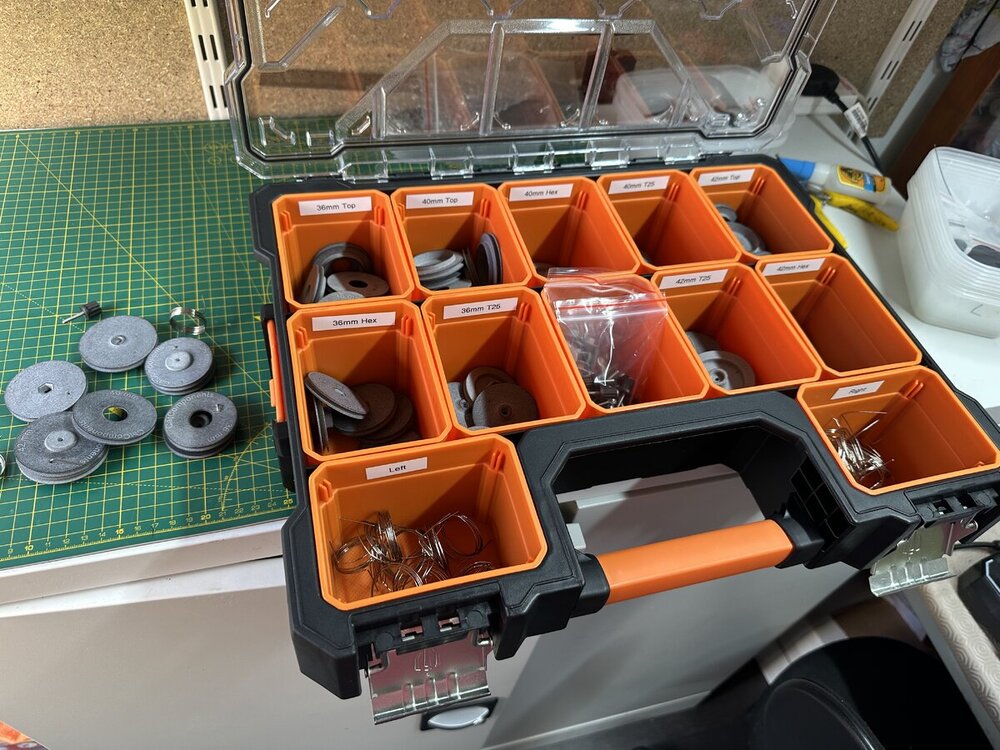
One of our tasks today is to assemble the Self Tensioning Winch Drums that our customers have pre-ordered. All the MJF printed parts have arrived and been inspected, the torsion springs wound.. now all that is left is the assembly and getting them into the post. Thank you to everyone who has pre-ordered. Your orders should be in the post in the early part of this week. If you have not yet ordered yours we still have some stock of our initial batch of 36, 40 and 42mm drums in both Hex mount and T25 spline mount available in our online shop. (www.catcomponents.co.uk)
 1 point

